
Tech · Published
A product name that looks familiar can still cover several bundles. Start with the version you would actually use at home.
Save the full identifier
Names on the catalogue card are a starting point. Check the full model code and any suffix on the listing or packaging photo. That suffix can distinguish a regional version or bundle.
Read what comes in the box
Compare the option text with the visible ports and accessories. Include an adapter or cable in your notes only when the selected option includes it.
Two listings to compare
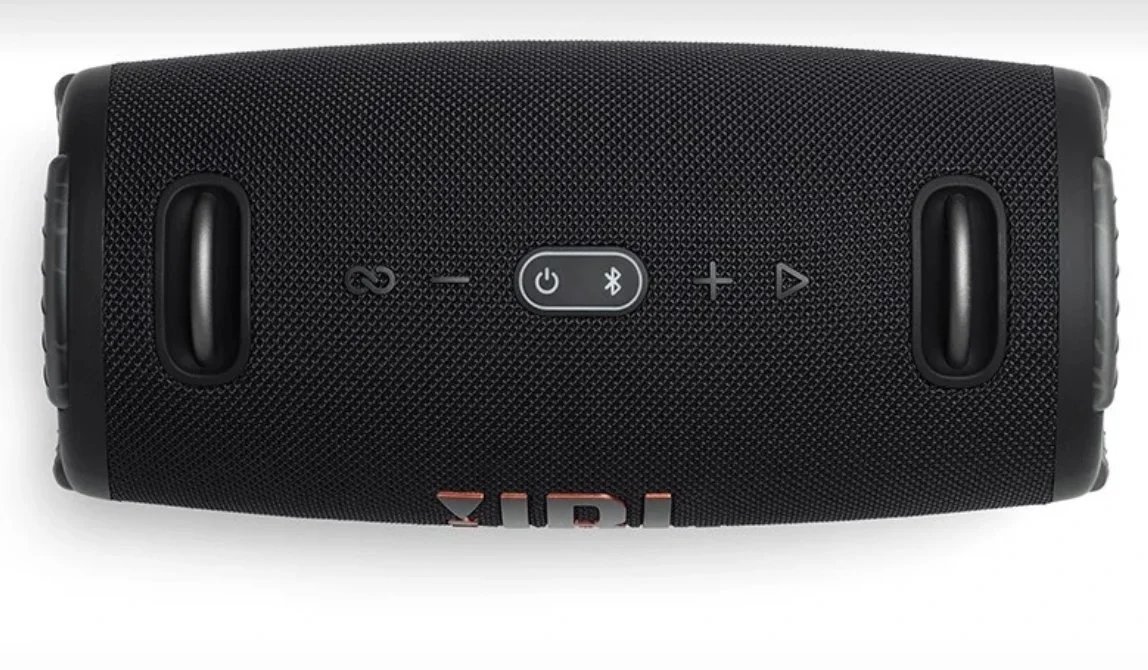
Open this record and check whether an exact identifier is visible.
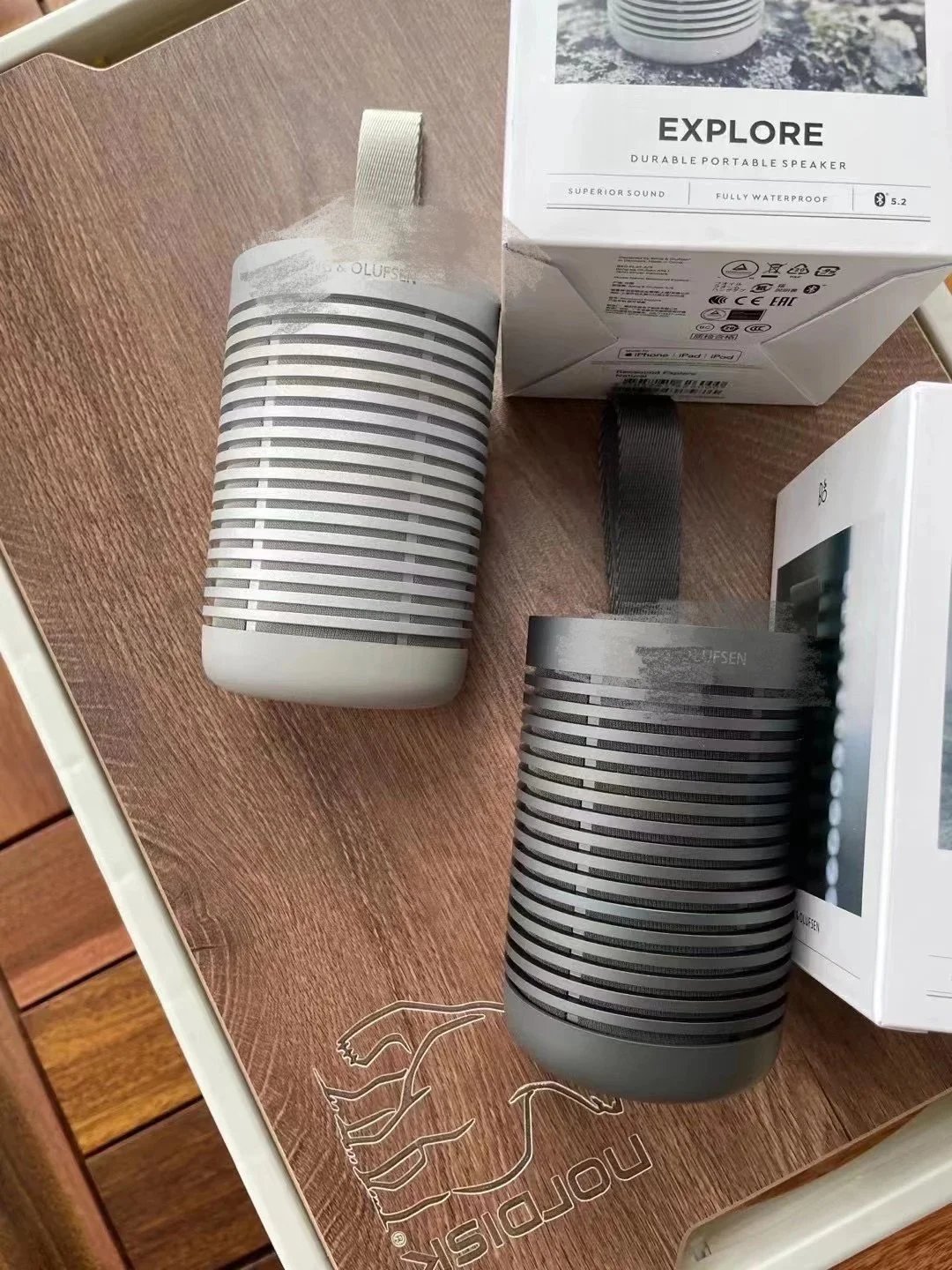
Use this second record to practise cross-checking the variant text against the photos.
These selections are based on saved catalogue records. Check the current options and prices on W2C Yupoo.